
The Three Variables of Monitor Position
Monitor positioning affects neck posture, eye strain, and the quality of visual acuity over a sustained work session. Three variables are independently adjustable and interact with each other:
- Distance — how far the screen sits from the eyes
- Height — the vertical position of the screen relative to seated eye level
- Tilt angle — the screen's backward tilt relative to vertical
These are not interchangeable adjustments. Reducing distance does not compensate for incorrect height, and correct height does not offset a screen placed at an extreme angle.
Monitor Distance
For standard computer monitors in common use (typically 24–27 inches diagonal), viewing distance recommendations from EN ISO 9241-303 fall in the range of 50–70 cm from eye to screen surface. Larger displays may require slightly greater distances to maintain comfortable focus across the full screen area.
A practical check: when seated in working posture, with the arm extended forward, the fingertips should approximately reach the screen. This is approximately 60–65 cm for most adults.
EN ISO 9241-303 specifies that the reading distance for visual display terminals should be determined by the character size required for comfortable reading — generally 20–70 cm for office work displays.
Monitor Height: Top Edge vs Eye Level
The most widely referenced guideline places the top edge of the monitor at or slightly below seated eye level. This means the user's gaze falls slightly downward when looking at the centre of the screen, which is the natural resting position for the eyes and requires minimal neck muscle activation.
| Monitor Position | Effect on Neck | Assessment |
|---|---|---|
| Top edge well above eye level | Sustained neck extension (backward tilt) | Not recommended for long sessions |
| Top edge at eye level | Slight downward gaze at screen centre | Standard reference position |
| Top edge slightly below eye level | Moderate downward gaze — neck in mild flexion | Acceptable; preferred by some users |
| Screen centre at eye level or above | Continuous neck extension | Associated with neck and upper trapezius strain |
Laptop Screens and Ergonomic Compromise
A laptop screen placed directly on a desk typically sits far below eye level. When the laptop is raised to eye level using a stand, the built-in keyboard is no longer at the correct height for typing. The standard solution is to use the laptop on a stand (at eye level) combined with an external keyboard placed at desk level.
Laptop stands are available from Polish retailers (Media Expert, Euro RTV AGD, Morele) at 60–150 PLN. Several models allow angle and height adjustment.
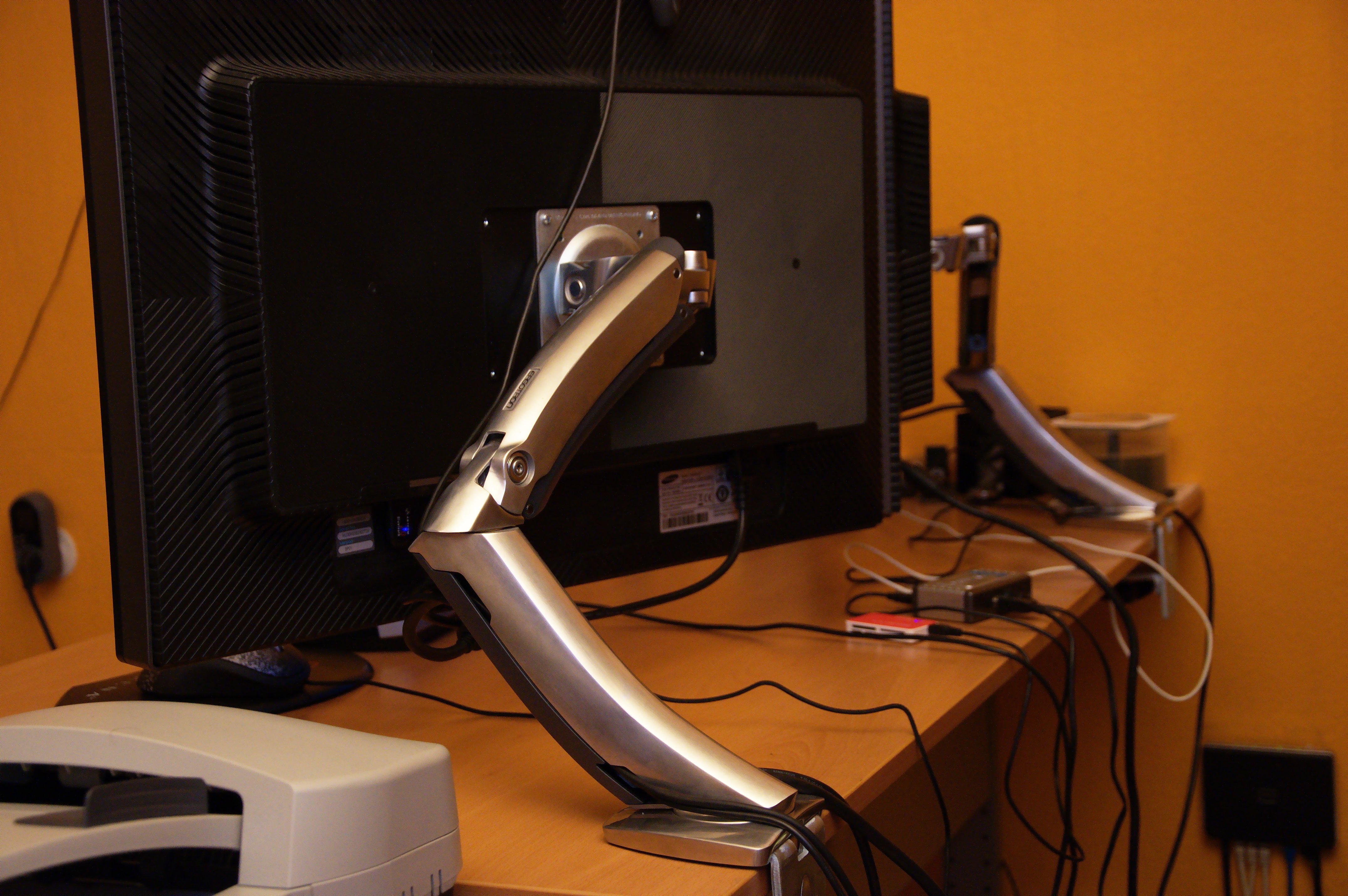
Monitor Tilt
A small backward tilt — typically 10°–20° from vertical — is commonly recommended. This places the screen more perpendicular to the line of sight when the user is looking slightly downward at the screen centre. Flat-screen monitors that sit perfectly vertical can create a slight upward viewing angle for the lower portion of the screen when the display is at standard height.
Excessive backward tilt (more than 25°–30°) increases the likelihood of reflections from overhead lighting — a significant issue in Polish interiors where ceiling-mounted luminaires are the most common light source.
Reflections and Glare in Polish Home Offices
Glare is a common issue in Polish apartments where the primary window is often at the end of a room, creating a direct light source that can reflect off monitor surfaces. The recommended window position relative to a monitor is to the side — perpendicular to the screen surface.
If window placement cannot be changed, anti-glare screen filters or matte-finish monitors reduce reflection. Alternatively, a position adjustment to face the monitor away from direct window line of sight often resolves the issue without additional equipment.
Dual Monitor Configurations
When two monitors are used, the arrangement depends on whether one screen is primary and one secondary, or both are used approximately equally. For primary-secondary setups, the main screen should be centred in front of the user, with the secondary screen at an angle to the side. For equal-use setups, both screens are placed adjacent at the centre, with the head naturally positioned between them.
In both cases, the vertical height guideline applies to both screens equally — placing one screen significantly higher than the other creates sustained asymmetric neck posture on whichever side requires the upward gaze.