
Desk Height and Posture Alignment
How to set desk height relative to elbow position, chair seat height, and floor clearance — including height-adjustable desk configurations common in Polish office supply stores.
Read guide →Desk height, monitor positioning, chair lumbar support, task lighting, and cable organisation — structured reference for setting up a functional home office in Polish conditions.

Three structured articles covering the key variables in a home office setup, with reference data and practical recommendations.
How to set desk height relative to elbow position, chair seat height, and floor clearance — including height-adjustable desk configurations common in Polish office supply stores.
Read guide →
Correct monitor distance, vertical angle, and height relative to seated eye level — reducing neck strain during extended work sessions.
Read guide →
Practical methods for routing, bundling, and concealing cables in a home workspace — from under-desk trays to adhesive clips available at Polish hardware retailers.
Read guide →In Poland, remote and hybrid work became mainstream after 2020. With that shift came a rise in musculoskeletal complaints among workers who moved to home-based setups without adjusting their furniture or display positions.
The Central Institute for Labour Protection (CIOP-PIB) in Warsaw documents ongoing research on workplace ergonomics in the Polish context, including VDT (visual display terminal) workstation standards derived from European Norm EN ISO 9241.
This site collects structured reference data drawn from publicly available ergonomic guidelines, adapted for the practical constraints of a Polish home office environment.
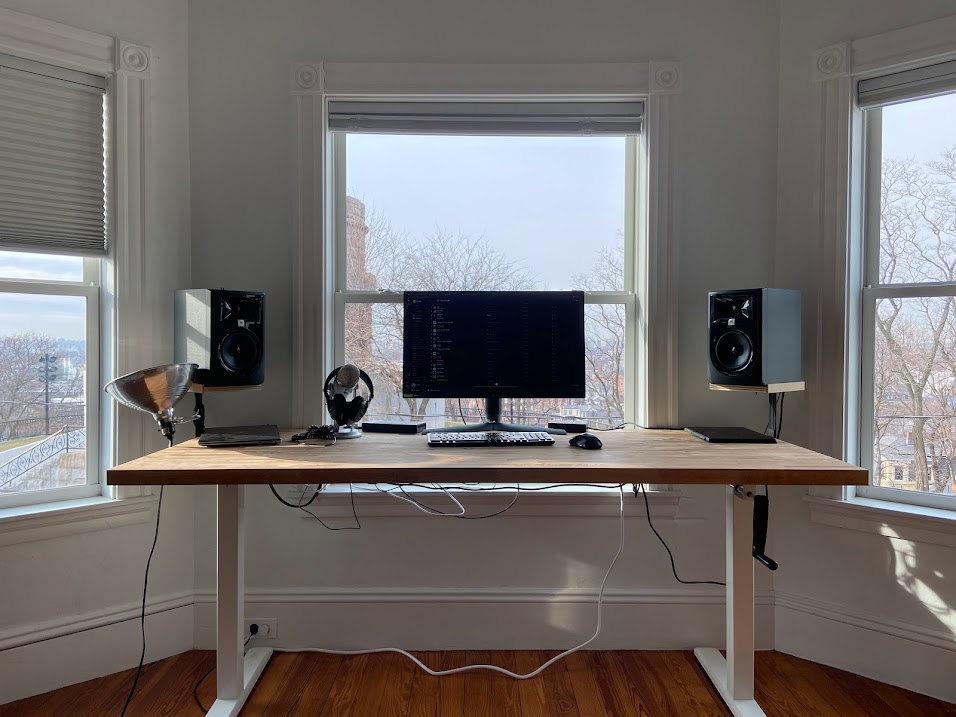
Approximate values from EN ISO 9241 and related guidelines. Exact figures vary by body height and individual anatomy.

Natural light from a window placed to the side of the monitor — rather than directly behind or in front — reduces screen glare and minimises eye fatigue. Polish apartments often have limited natural light, making supplemental task lighting necessary for most of the year.
A desk lamp positioned at the non-dominant side, directed at the work surface rather than the screen, provides adequate task illumination without creating reflections on the display.